Think you need a complex app or a coach to track workouts?
A Notion workout template gives you a simple, powerful tracking system you can duplicate into your workspace in seconds.
This post points to free downloads, explains key features, and walks you through quick customizations so the template fits your schedule and goals.
If you’re busy, restarting, or training for strength or cardio, these templates help you log sets, track progress, and stay consistent without extra hassle.
Ready-to-Use Notion Workout Templates (Free & Premium)
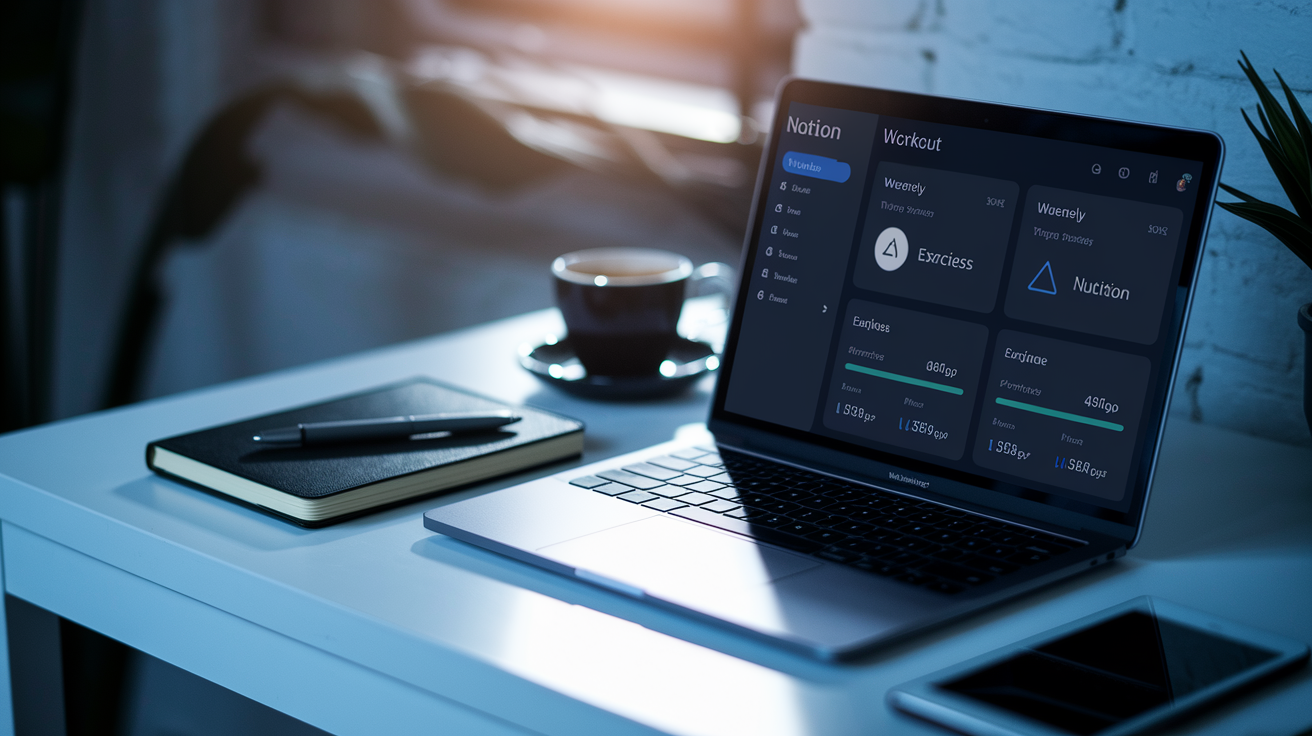
Notion workout templates give you a pre-built tracking system you can duplicate into your workspace in seconds. No need to build from scratch. You get instant access to exercise databases, weekly dashboards, and progress logs. Premium versions often pack in automation, illustrated exercise libraries, and nutrition planners. Free templates? They still cover the basics without extra setup.
The best templates don’t overcomplicate things. You’ll find strength-focused options with detailed set and rep logging, aesthetic planners with Spotify playlists built in, and all-in-one hubs that combine workout logs with meal planning and habit tracking. Beginner just mapping out a weekly schedule? Advanced lifter tracking progressive overload? There’s something built for your training style.
Template download options:
• Notion Workout Template for Fitness (Premium) – Dark-mode dashboard that combines nutrition tracking and workout planning in one spot.
• Ultimate Workout Tracker (Free) – Consistency-focused logging with exercise GIFs and intensity formulas for multiple sports.
• Beastmode Workout OS (Premium) – Strength system with 180 illustrated exercises and over 20 training techniques plus a built-in stopwatch.
• Free Notion Gym Planner (Free) – Weekly scheduling template with exercise saves grouped by muscle.
• Health Hub OS (Premium) – All-in-one health journal bundling workout logs with calorie tracking, water intake, sleep hours, and mental health notes.
• Workout Compass (Free) – Exercise-as-to-do-list setup with color-coded muscle groups showing what you’ve trained versus what you haven’t.
• Notion Workout Planner (Premium) – Aesthetic planner with embedded Spotify playlists and calendar integration for scheduling gym sessions.
• Fitness OS (Premium) – Gamified dashboard for quick data entry, customizable for power users and accessible for beginners.
Key Features Found in Workout Templates

Most Notion workout templates share a core set of tools designed to simplify logging and tracking. You’ll find exercise databases that store your favorite movements, pre-filled sets and reps, and muscle-group tags that organize your training library. Weekly planning dashboards show your upcoming sessions in calendar or list view. Easy to see your week at a glance.
Progress tracking tools are built into nearly every template. Log weights, reps, rest periods, and personal records, then view that data in charts or stats pages that highlight trends over time. A lot of templates use Notion’s relation and rollup properties to calculate total weekly volume, identify weak areas, or display last-session values directly inside each exercise entry.
Habit and goal tracking rounds out the functionality. Templates often include challenge databases where you can break down larger goals into smaller steps, plus habit logs that tie your training consistency to nutrition, sleep, or recovery metrics. Some add extras like built-in stopwatches, embedded training reports, or pre-workout diet planning sections that connect meal timing to workout performance.
Most impactful features to look for:
• Automated volume tracking – Uses formulas to calculate total sets, reps, and tonnage per week without manual math.
• Linked exercise libraries – Connects exercises to muscle groups so you can filter and build programs quickly.
• Last-session display – Shows your previous weights and reps directly in the workout log to guide progressive overload.
• Progress charts and dashboards – Aggregates data into visual summaries that reveal strength trends and identify gaps.
• Integrated nutrition planning – Combines workout logs with meal trackers, calorie targets, and recipe databases in one workspace.
Types of Notion Workout Templates
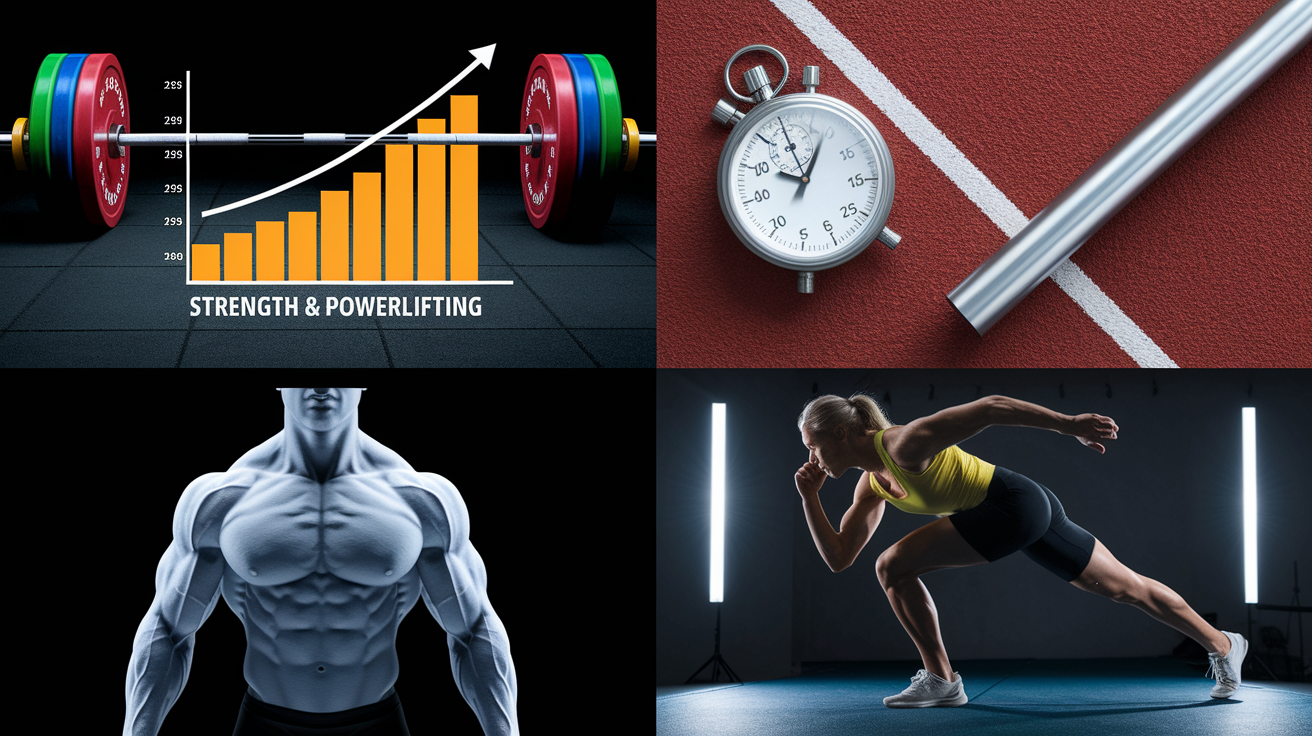
Strength training templates prioritize sets, reps, weight progression, and rest intervals. These usually include PR trackers, one-rep-max calculators, and structured program cycles that guide you through hypertrophy, strength, and deload weeks. If you’re chasing progressive overload and want every lift logged with precision, strength-focused templates deliver.
Cardio and endurance templates shift focus to time, distance, pace, and heart rate. You’ll find templates built for running, cycling, swimming, or rowing that log splits, weekly mileage, and perceived effort. Some hybrid templates combine strength and cardio tracking in one dashboard, so you can manage both lifting sessions and conditioning work without switching workspaces.
Bodybuilding templates emphasize volume, muscle-group balance, and aesthetic progress. These systems often include body-measurement logs, progress photo galleries, and split-routine planners that make sure you hit every muscle group evenly across the week. Calisthenics templates swap barbell movements for bodyweight progressions, tracking skills like handstands, pull-up variations, and planche holds with video tutorials and form cues.
Sport-specific templates cater to athletes training for powerlifting, CrossFit, or Olympic lifting. These incorporate competition prep cycles, movement-specific drills, and accessory work that supports your primary lifts. Some templates also support multiple family members or training partners in one hub, which works well for coaches or group programs.
Unique template categories:
• Strength and powerlifting – Focused on compound lifts, periodization, and max-effort cycles.
• Hybrid training – Combines lifting, cardio, mobility, and recovery in one balanced system.
• Sport-specific plans – Built for CrossFit, Olympic lifting, or endurance racing with tailored metrics.
• Aesthetic and bodybuilding – Emphasizes muscle symmetry, volume tracking, and visual progress documentation.
How to Customize Your Template
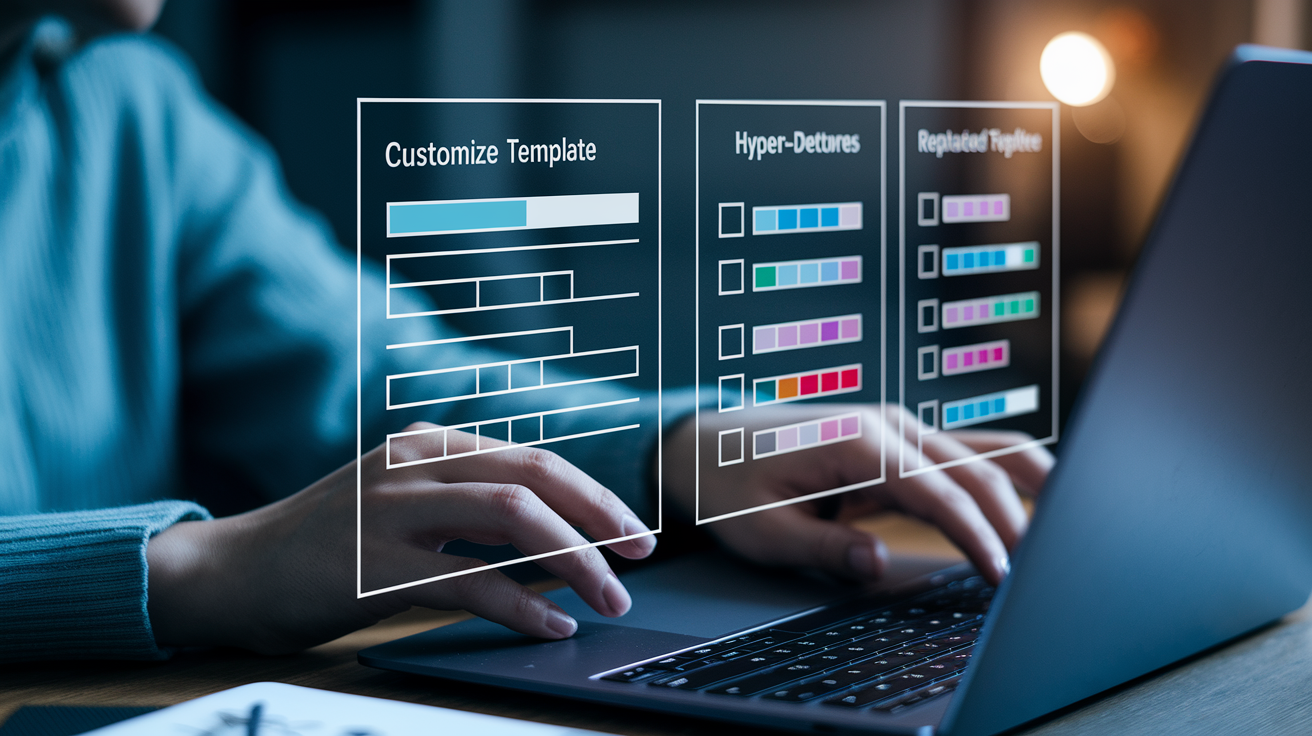
Start by duplicating the template into your Notion workspace using the provided access link. Once it’s in your workspace, open the main dashboard and identify which databases control your workouts, exercises, and progress logs. Most templates use a primary “Workouts” database linked to an “Exercises” database through relations. Understanding that connection makes customization smoother.
Steps to personalize your template:
- Adjust database properties – Add or remove fields like RPE, tempo, rest time, or perceived difficulty to match your logging preferences.
- Customize exercise library – Replace pre-loaded exercises with movements you actually perform, and tag each exercise with muscle group, equipment type, or movement pattern.
- Edit workout views – Switch between table, calendar, board, or gallery views depending on how you prefer to see your weekly plan.
- Set goal formulas – Update rollup and formula properties to calculate weekly volume, average intensity, or total training frequency based on your targets.
- Personalize nutrition sections – If the template includes meal planning, replace sample meals with your go-to foods and adjust calorie or macro targets.
- Update dashboard layout – Rearrange widgets, charts, and linked databases on the main page so your most-used tools appear first.
- Create custom filters – Set up filtered views that show only this week’s workouts, completed sessions, or exercises targeting specific muscle groups.
- Add habit trackers – Link habit databases to your workout log so you can track sleep, hydration, or mobility work alongside training sessions.
Integrations and Add‑Ons for Better Tracking
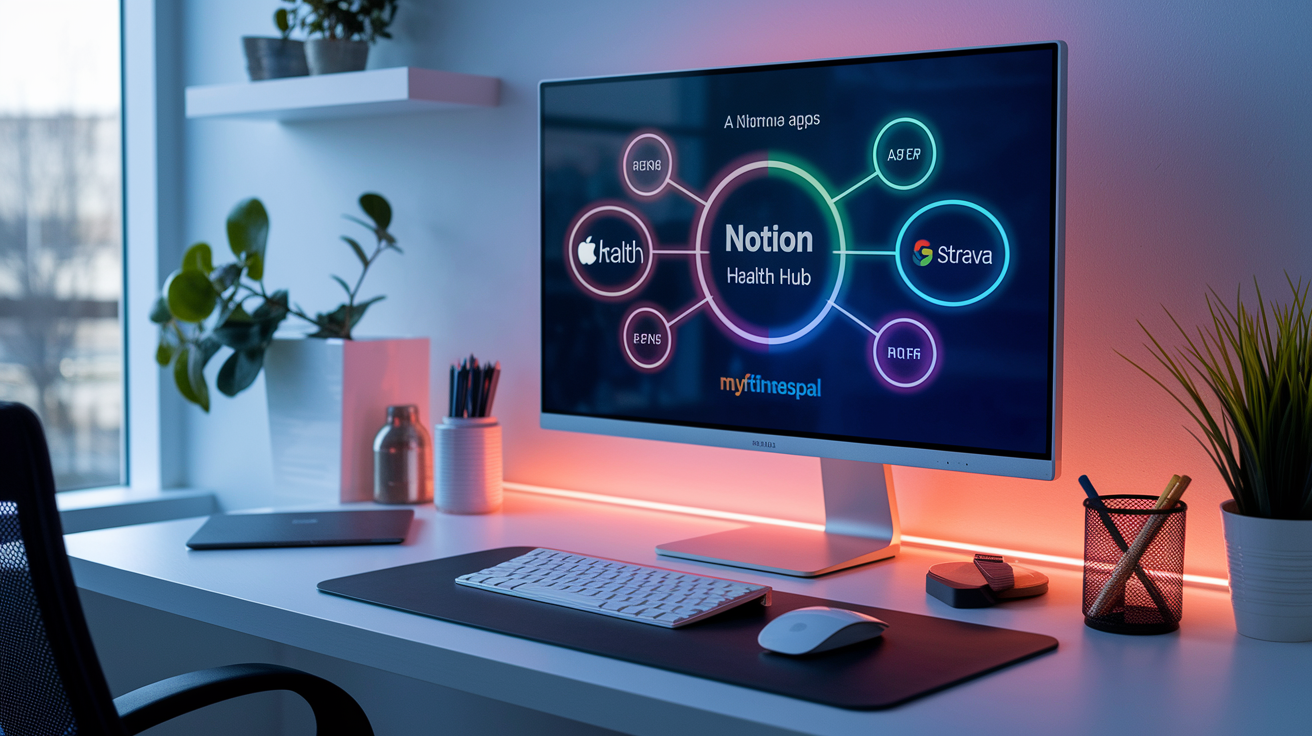
Notion doesn’t natively sync with wearables or fitness apps, but third-party tools bridge that gap. Services like Zapier, Make (formerly Integromat), and the Notion API let you pull data from Apple Health, Google Fit, Strava, or MyFitnessPal into your Notion workspace. These integrations can automate data entry, log workouts from your smartwatch, or sync nutrition data without manual input.
Automation workflows can trigger actions based on your training schedule. Set up a Zapier workflow that creates a new workout entry every Monday morning. Or use the Notion API to push completed sessions into a separate analytics dashboard. Some users connect Notion to calendar apps so training sessions appear alongside work meetings, or link Notion to Spotify and Apple Music for quick access to workout playlists embedded directly in their templates.
Common integrations and their benefits:
• Apple Health / Google Fit sync – Automatically imports step count, active calories, and heart rate data into your Notion health hub.
• Strava integration – Pulls run and ride data including distance, pace, and elevation directly into your cardio log.
• MyFitnessPal connector – Syncs daily nutrition totals so you can compare calorie intake to workout volume in one dashboard.
• Notion API automations – Creates recurring workout entries, sends reminders, or generates weekly training reports without manual setup.
Device Compatibility and Access Options
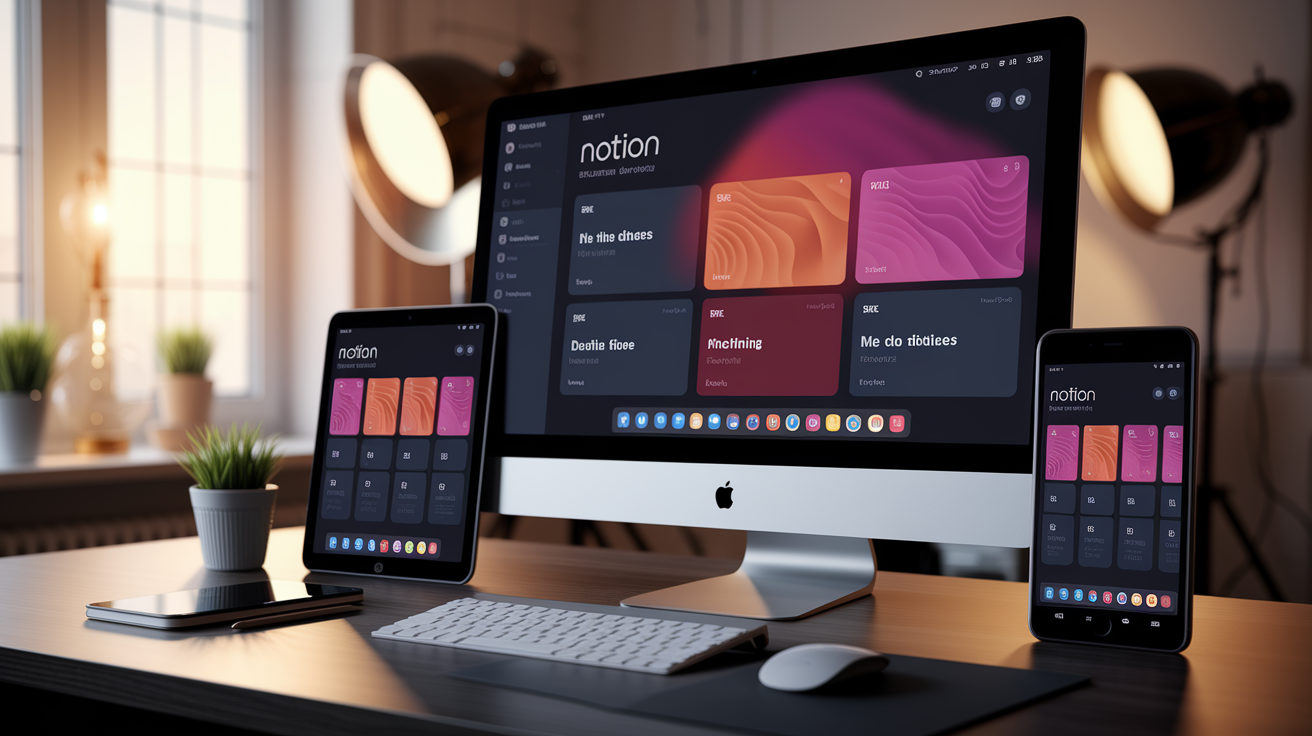
Notion works across desktop, mobile, and tablet, so you can log workouts from the gym floor, plan sessions at your desk, or review progress on your couch. The desktop app offers the most screen real estate and fastest navigation. Ideal for building programs, customizing databases, and analyzing charts. Mobile versions let you quickly log sets and reps between exercises, though smaller screens may require layout tweaks for best performance.
Tablet devices strike a balance between portability and workspace size. You can prop a tablet on a bench to view your workout while logging in real time, or use split-screen mode to watch form tutorials alongside your exercise list. Some people prefer mobile for logging and desktop for planning, syncing changes instantly across all devices without extra steps.
Device experience differences:
• Desktop – Best for building programs, editing databases, and viewing dashboards with multiple linked views side by side.
• Mobile – Fastest for quick logging during workouts, though vertical scrolling through long tables can feel slower than desktop navigation.
• Tablet – Offers a middle ground with larger touch targets and enough screen space to see full workout lists without constant zooming.
User Reviews and Template Comparisons
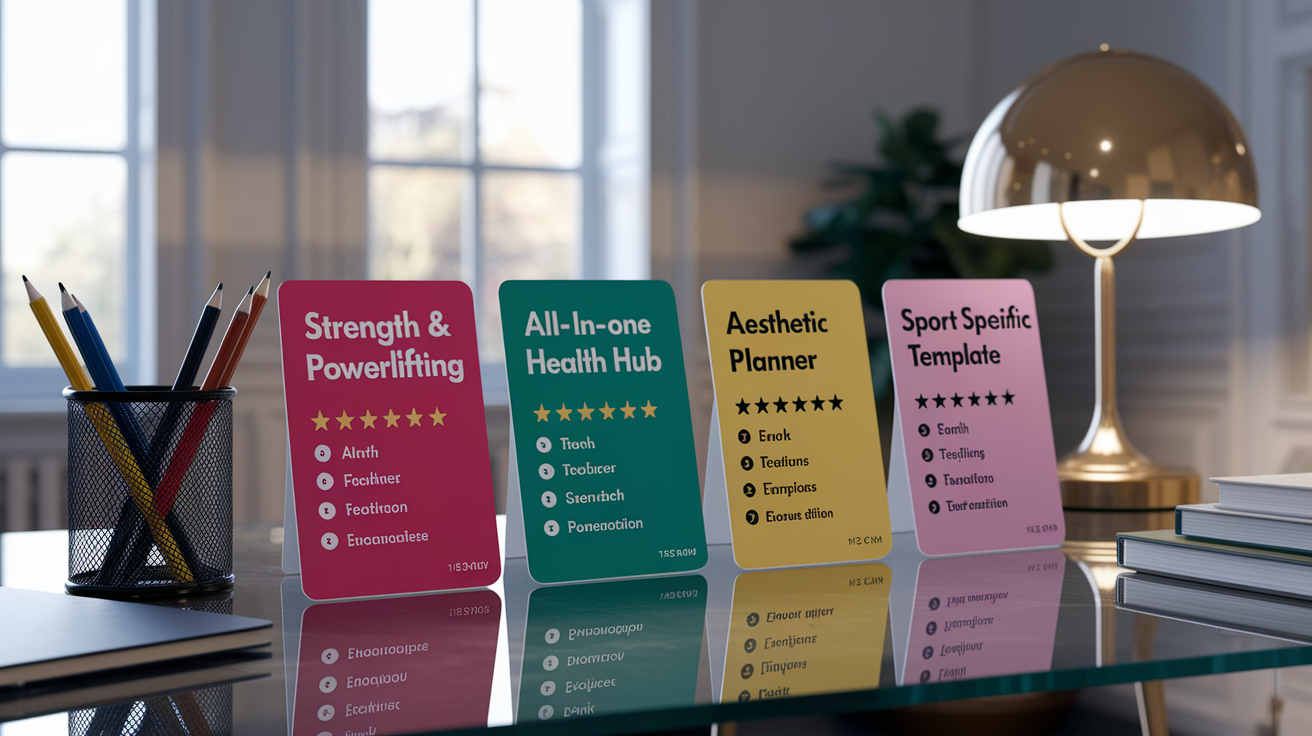
Users frequently compare templates based on how much manual setup they require versus how much automation is built in. Aesthetic layout matters for daily motivation, but most serious lifters prioritize templates that handle volume calculations, track progressive overload trends, and support their specific training split. Templates designed for beginners tend to offer simpler interfaces and fewer customization options. Advanced systems assume you’re comfortable editing Notion databases and writing basic formulas.
Templates supporting multiple training styles receive higher marks from users who mix strength work with cardio or sport-specific drills. The ability to archive past workouts and review progression over months is a common deciding factor, especially for lifters running periodized programs. Users also value templates that include meal planning or habit tracking, so they can manage training, nutrition, and recovery in one workspace instead of juggling multiple apps.
| Template Type | Best For | Key Feature |
|---|---|---|
| Strength & Powerlifting | Barbell lifters chasing progressive overload | Automated volume tracking and PR logs |
| All-in-One Health Hub | Users managing workouts, nutrition, and wellness | Integrated meal planning and habit trackers |
| Aesthetic Planner | Beginners wanting simple, motivating layouts | Embedded Spotify playlists and calendar views |
| Sport-Specific Template | Athletes training for CrossFit, Olympic lifting, or endurance racing | Customizable cycles and movement-specific drills |
Final Words
Open Notion and pick a ready-to-use template to get logging fast. You’ve seen where to download free and premium templates, what features to expect, and which template types match your goals.
You also got clear steps to customize, ideas for integrations, device tips, and how to compare options. Use the checklists and examples to set up a workout system that fits your week.
Start with one notion workout template, tweak it for your needs, and track progress. Small steps add up—you’re on the right path.
FAQ
Q: What are ready-to-use Notion workout templates?
A: Ready-to-use Notion workout templates are pre-built pages with trackers, exercise databases, weekly dashboards, and simple automations you can duplicate instantly to log workouts and plan training without building from scratch.
Q: Where can I download free and premium Notion workout templates?
A: You can download free and premium Notion workout templates from the Notion template gallery, creator sites, and marketplaces; duplicate them into your workspace and check previews or reviews before choosing.
Q: What key features do Notion workout templates usually include?
A: Key features in Notion workout templates include progress tracking, structured workout plans, metrics dashboards, rest timers, habit or goal tracking, and relations/rollups for automated calculations.
Q: What types of Notion workout templates are available?
A: Notion workout templates come in types like strength training, cardio, calisthenics, bodybuilding, hybrid plans, and sport-specific templates, each prioritizing different metrics such as sets, time, or progressive overload.
Q: How do I customize my Notion workout template?
A: Customizing a Notion workout template starts with duplicating it, then editing properties (sets, reps, duration), updating views, changing exercises, adjusting formulas, and tailoring dashboards to match your training cycle.
Q: Can I integrate Notion with fitness apps and wearables?
A: Integrating Notion with fitness apps and wearables is possible using third-party tools or the Notion API to import Apple Health, Google Fit, or wearable data, though setup usually requires an extra connector or workflow.
Q: Which devices work best for using Notion workout templates?
A: Notion workout templates work across desktop, mobile, and tablet; desktop is best for setup, mobile is quickest for logging in the gym with a simplified view, and tablets offer a balanced workout experience.
Q: How do I pick the right Notion workout template for my goals?
A: Picking the right Notion workout template means matching the template’s training style to your goals, checking customization ease and automation, and choosing a layout you’ll actually use consistently.
Q: Are automated volume tracking and PR trends available in templates?
A: Many Notion templates include automated volume tracking and PR trend calculations using relations and rollups, so they update weekly totals and personal records without manual math.
Q: Is it hard to edit databases, views, or formulas in Notion?
A: Editing databases and views in Notion is usually simple; formulas and complex rollups take a bit more learning, but you can start with basic edits and add formulas later as needed.